Skip to content
WaveStudio
Sound, made visible

Turn every beat into a scene.

Audio-reactive templates, a flexible editor, and publish-ready video — all from your phone.

Works with your music Export on your phone Fresh templates
WaveStudio
98 Available templates
12 Creators
92 Videos started from templates

One community for audio-visual creation

Curated by WaveStudio

Templates that start the idea

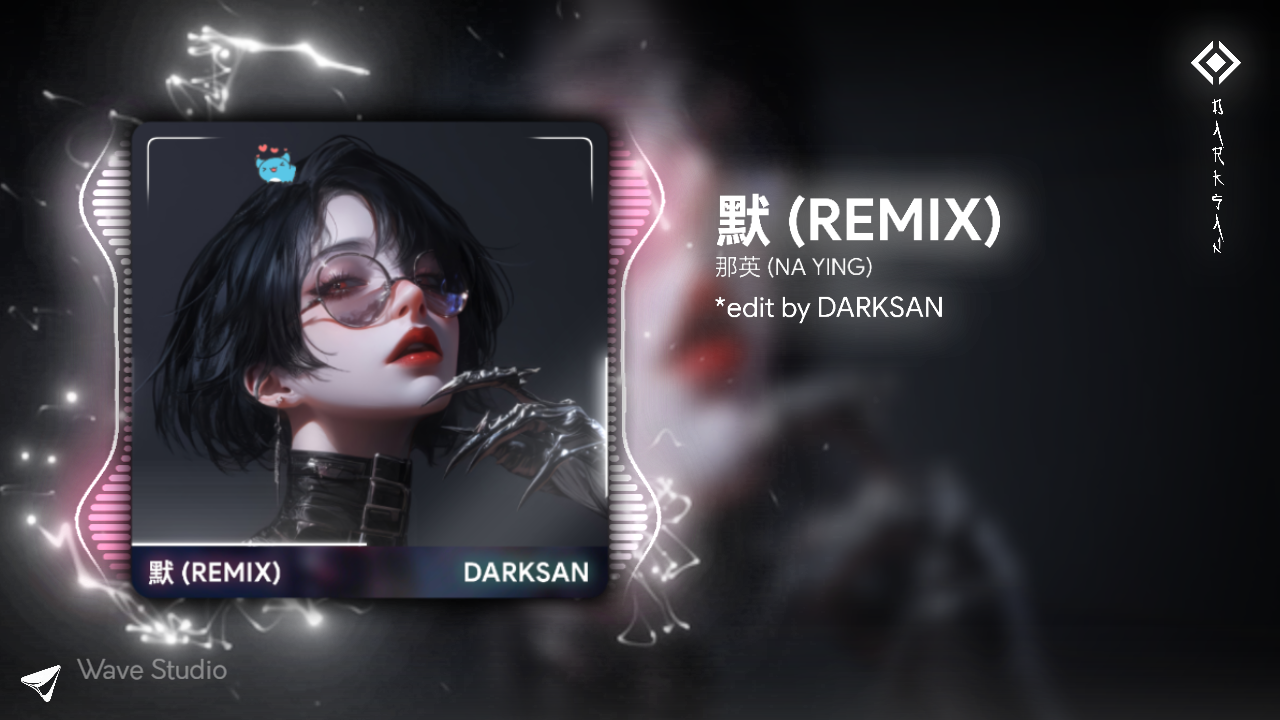
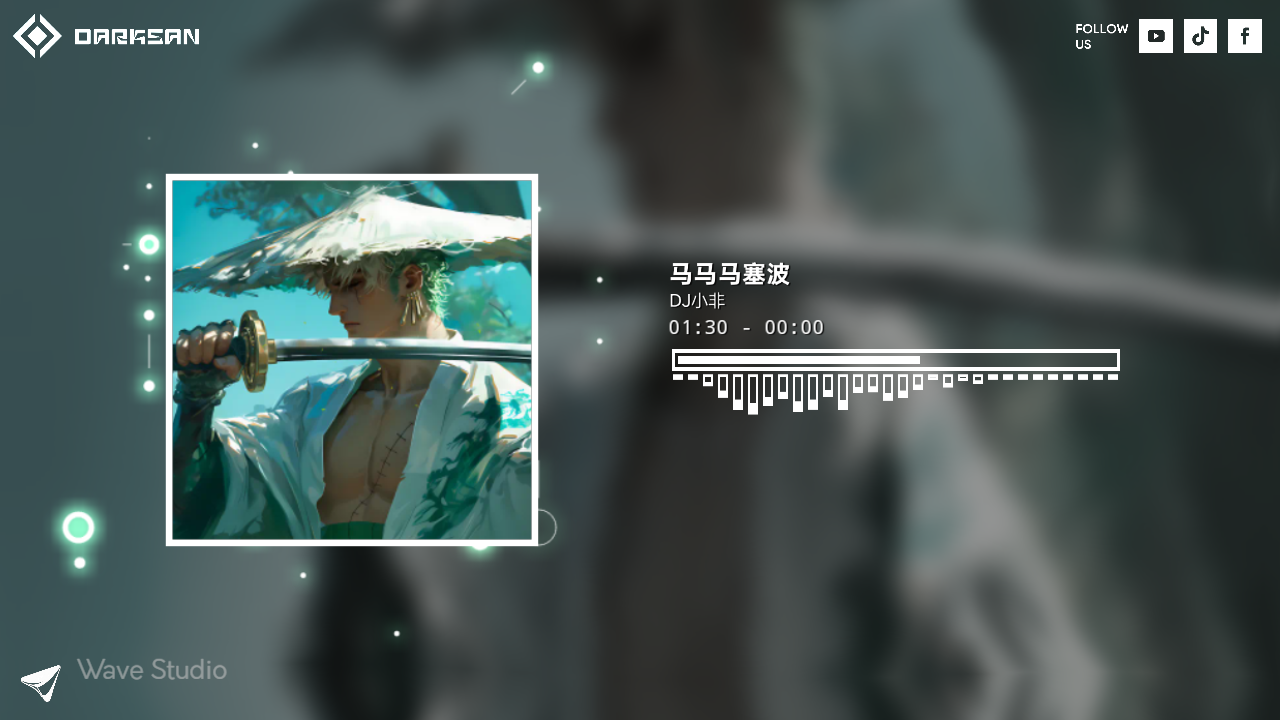
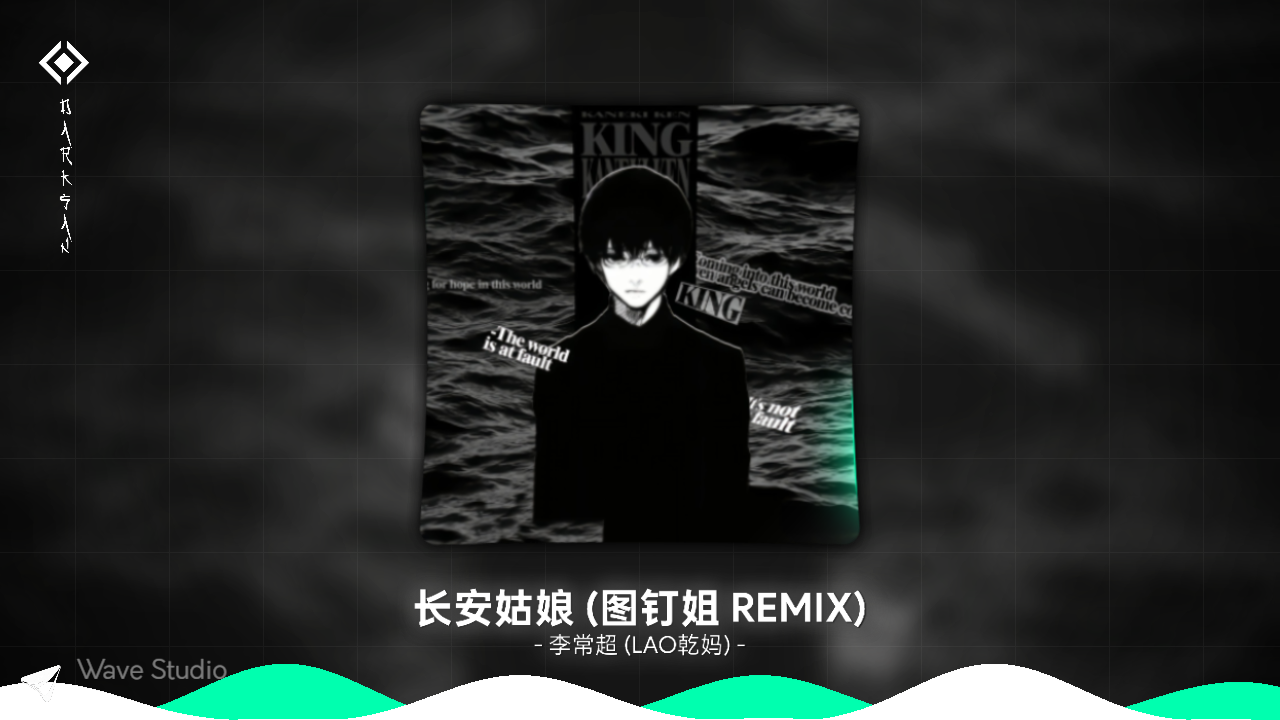
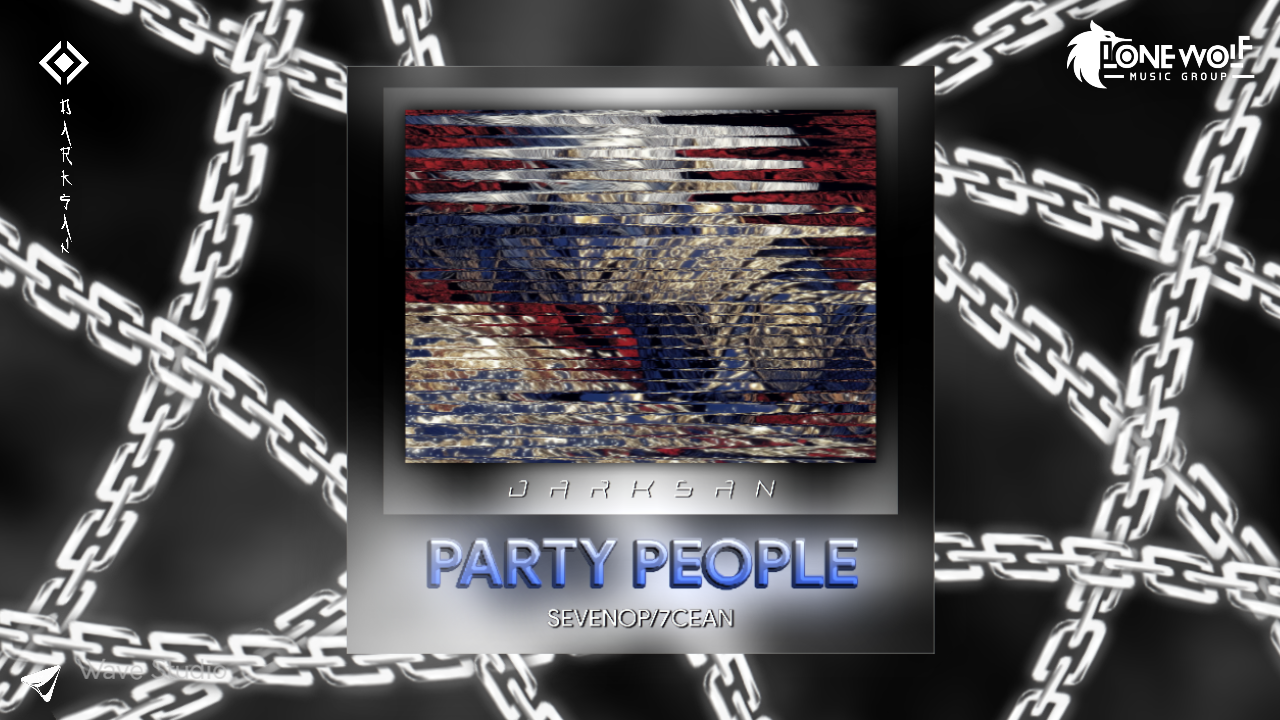
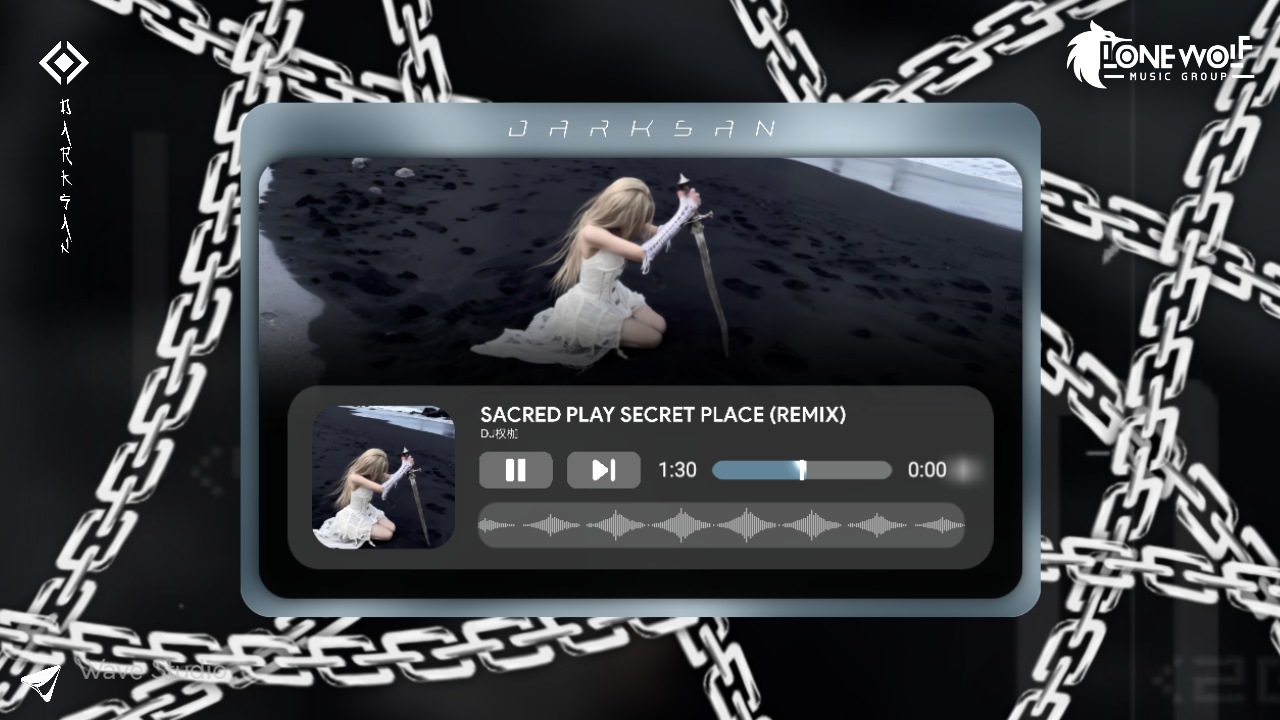
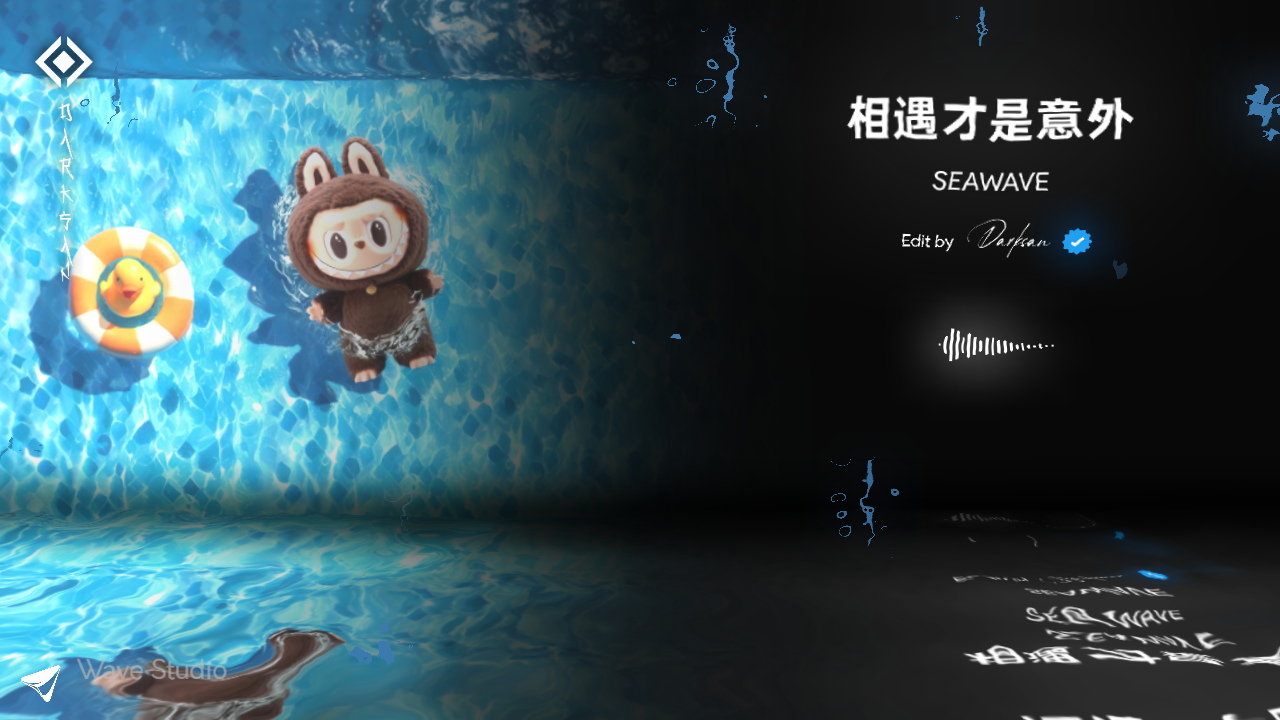
Preview the result here, then open and customize it in the app.

All templates
From beat to publish

Everything you need, without the clutter

Powerful tools in an interface that keeps music at the center.

Follows the beat, not a still image

Elements react to frequencies and rhythm in real time.

Make it yours

Change images, copy, and colors in a clear, flexible editor.

From sound to video

Export a video ready for Reels, TikTok, and YouTube.

Templates stay in WaveStudio

Use the template in the app and export only your final video.

Preview on web, use inside the app
WaveStudio community

Ask, suggest, and share what you make.

Discussions, template requests, and real help from people who know the product.

Enter the community

Start the first discussion

The community is ready for your questions and ideas.

Open community
Three steps

Choose. Customize. Export.

  1. 01

    Choose a template

    Browse previews and pick the right look for your sound.

  2. 02

    Add your sound and touch

    Swap the image, copy, and colors in the editor.

  3. 03

    Export your video

    Get a video ready for your favorite platform.

Clear answers

Before you begin

The things WaveStudio users ask most.

All questions
What is WaveStudio?
WaveStudio is a music player and audio-visual editor that lets you choose a template, customize it, and export the video on your device.
Do I need an account to use WaveStudio?
No. Music playback, template editing, and video export work locally. An account is only required for community features.
Does the app upload my audio files?
No. WaveStudio does not upload your audio to play a template or export a video; that processing happens on your device.
How do I get new templates?
Published templates appear in the app automatically, and you can preview available templates on this website.